
How to Download WhatsApp and Contact Esthetic Dent: A Step-by-Step Guide
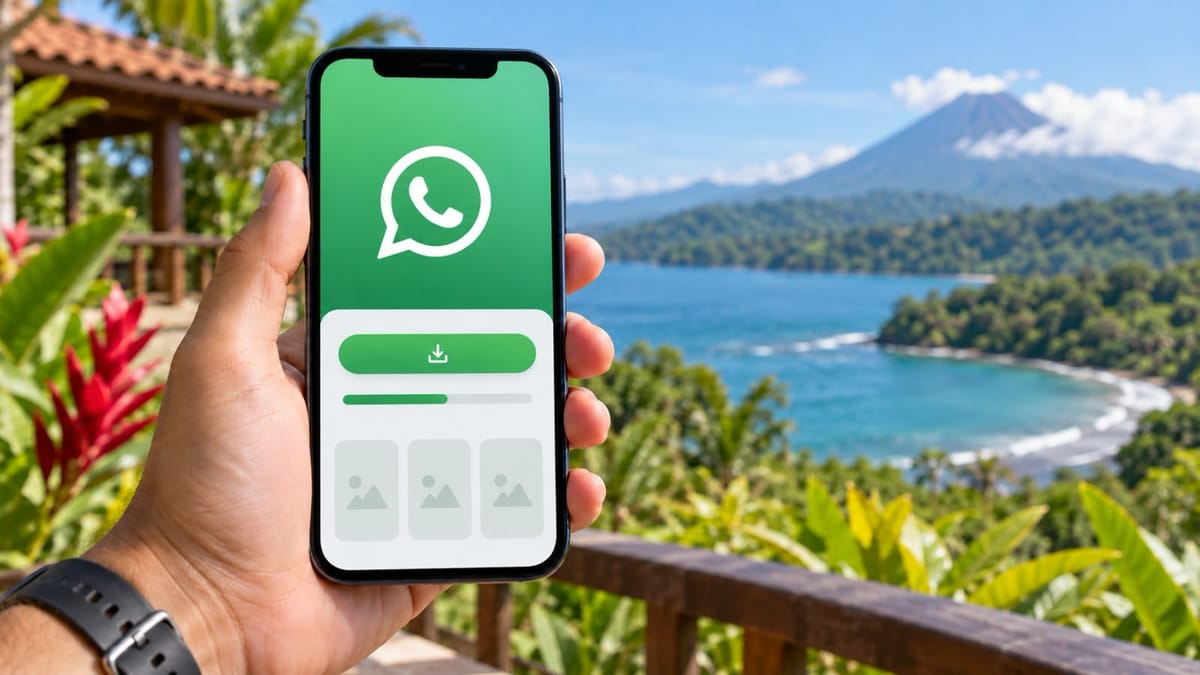
Many patients in the United States and Canada do not use WhatsApp regularly. Some have never downloaded it and are unsure how to begin.WhatsApp is a free messaging application that lets you send text messages, voice notes, photographs, and make calls using Wi-Fi or mobile data. Data charges may apply according to your mobile provider.You do not need to know exactly which dental treatment you need before contacting Esthetic Dent. You also do not need confirmed travel dates, professional photographs, X-rays, or a treatment plan from another dentist.The easiest way to begin is simply to send us a WhatsApp message.A Dental Advisor will learn about your concerns, explain the next steps, and help coordinate a preliminary review of your case. Whether you are considering one dental implant, porcelain veneers, crowns, an All-on-X restoration, or a complete smile makeover, the first conversation is free and does not obligate you to proceed.This illustrated guide starts at the very beginning: how to download the official WhatsApp application, register your number, open the Esthetic Dent chat, and send your first message.Important: The illustrations below are simplified examples. Buttons and screen layouts may look slightly different depending on your phone and application version.
Part 1: Download and Set Up WhatsApp
Step 1: Identify Your Phone's App Store
If you have an iPhone, open the blue App Store application.If you have an Android phone, including many Samsung, Google Pixel, Motorola, or similar devices, open the multicolored Google Play application.
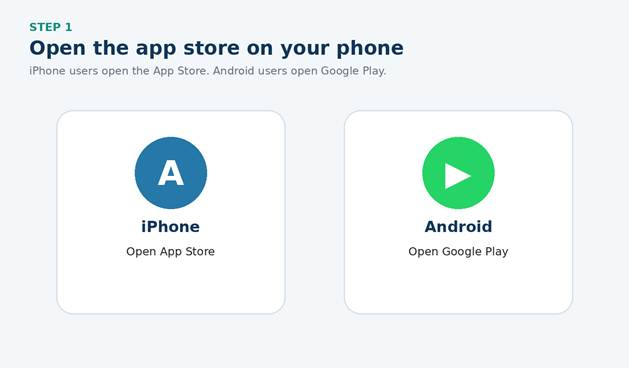
iPhone users open the App Store. Android users open Google Play.
Step 2: Find the Official WhatsApp Application
Tap the search field and type: WhatsApp Messenger.Choose the application that shows:· The name WhatsApp Messenger· The publisher WhatsApp LLC· A green speech-bubble icon on iPhone, tap Get. On Android, tap Install.Do not download an application with a similar name from a different publisher.
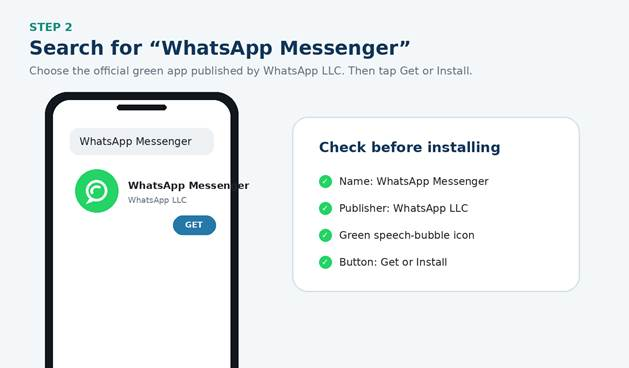
Confirm the application name and publisher before downloading.
Step 3: Open WhatsApp and Enter Your Mobile Number
After installation, tap Open.Review the WhatsApp Terms and Privacy Policy and follow the prompts. Select your country and enter the mobile telephone number that belongs to your phone.The application normally identifies the correct country code after you choose your country. Verify the complete number before continuing.
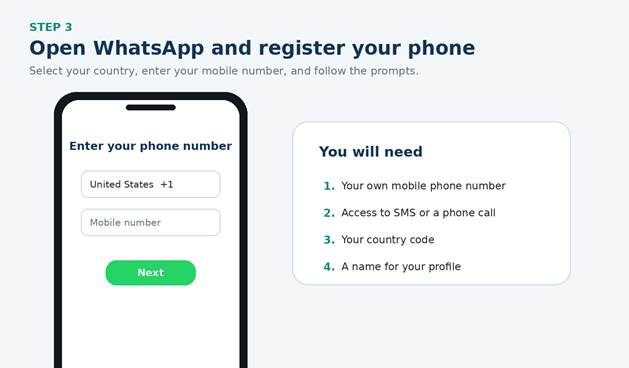
Use your own mobile number and select the correct country.
Step 4: Verify the Number
WhatsApp sends a six-digit registration code by SMS text message or, in some situations, through an automated telephone call.Enter that code inside the WhatsApp application to verify that the number belongs to you.Never share your WhatsApp registration code or two-step verification PIN. Esthetic Dent will never ask you for either one.
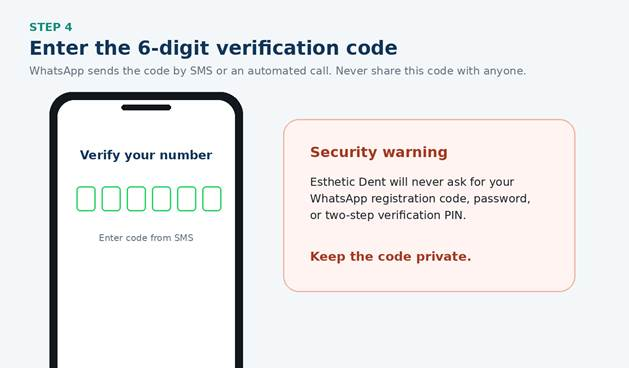
The verification code is private. Do not send it to the clinic or anyone else.
Step 5: Complete Your Profile
Enter the name you want people to see. A profile photograph is optional.WhatsApp may ask for permission to send notifications, access contacts, use the microphone, or access photographs. Read each request and select the permissions you are comfortable using. Photograph access is needed only if you want to attach an image from the phone.
Part 2: Open the Official Esthetic Dent Chat
Start with One Click
From the Esthetic Dent website, select the WhatsApp button. It should open a new conversation with the clinic's official number.You can also save the official international WhatsApp number and send a message directly from the WhatsApp application.Before sending personal or dental information, confirm that the number matches the official number published on the Esthetic Dent website.
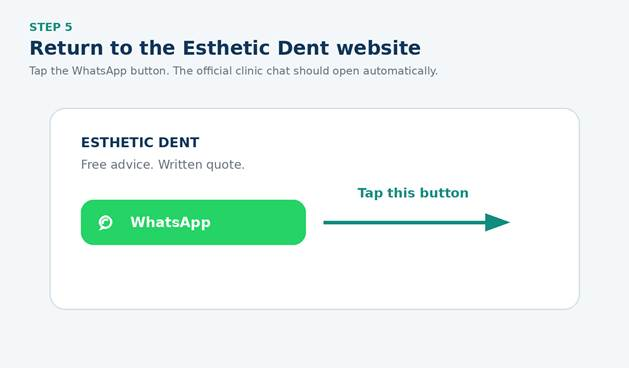
Use the WhatsApp button on the official Esthetic Dent website.
What Should Your First WhatsApp Message Say?
Your message can be very simple. You do not need to use dental terminology or explain your entire history in the first text.Include:· Your name· The country or city where you live· The main dental problem or treatment you are considering· The best time to contact you· Your preferred language
Sample first message
Hello, my name is [name], and I live in [city/country]. I am interested in learning about [dental implants / crowns / veneers / full-mouth treatment]. I would like to speak with a Dental Advisor and request a free consultation. My preferred language is [English/Spanish], and the best time to contact me is [time and time zone]. Thank you.That is enough to begin.
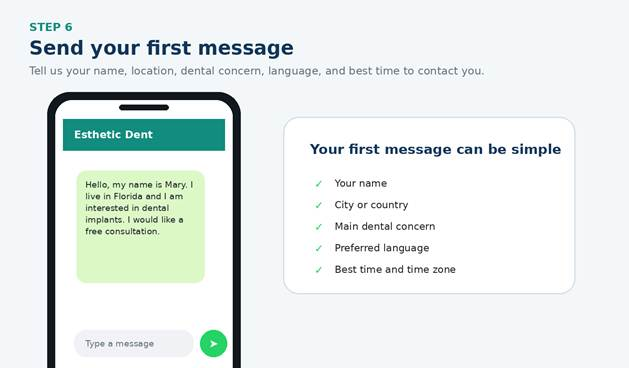
A short message is enough to start speaking with a Dental Advisor.
What If You Do Not Know Which Treatment You Need?
Many patients know what is bothering them but do not know the dental name for the solution.You can describe the problem in your own words, for example:· “I am missing several teeth.”· “My denture moves when I eat.”· “I was told that I need implants, but I want another opinion.”· “My teeth are worn and breaking.”· “I want to improve the color and shape of my smile.”· “I have several crowns that need to be replaced.”· “I was quoted for a full-mouth restoration in the United States.”· “I am interested in fixed teeth instead of removable dentures.”The Dental Advisor will ask questions and coordinate the appropriate clinical review. You are not expected to diagnose yourself.
Information That Helps the Dental Advisor
After the first message, the Dental Advisor may ask for more details, such as:· Which teeth or areas concern you· Whether you have pain, swelling, infection, or a broken tooth· Previous dental treatment· Missing teeth or removable dentures· Existing implants, crowns, or bridges· Medical conditions and medications relevant to treatment· Smoking or vaping· Previous treatment recommendations· Whether you are interested in San José or the Cóbano and Santa Teresa experience· General travel preferences, if knownYou do not have to answer everything in one message. The Advisor will guide the conversation step by step.
Do You Need to Send Photographs?
No. Photographs are helpful but are not required to begin speaking with a Dental Advisor.If the clinical team requests photographs, simple images taken with a mobile phone may be enough for a preliminary visual review.
Helpful dental photographs may include:
· A full smile while looking directly at the camera· A close photograph of the front teeth while smiling· Upper teeth· Lower teeth· Right side of the bite· Left side of the bite· The specific tooth or area causing concernUse good lighting and ask another person to help when possible. Do not place sharp objects in the mouth or force the lips and cheeks in a way that causes pain.Photographs cannot show bone, infection depth, nerves, sinuses, or every condition affecting treatment. They support preliminary communication but do not replace an examination or diagnostic imaging.
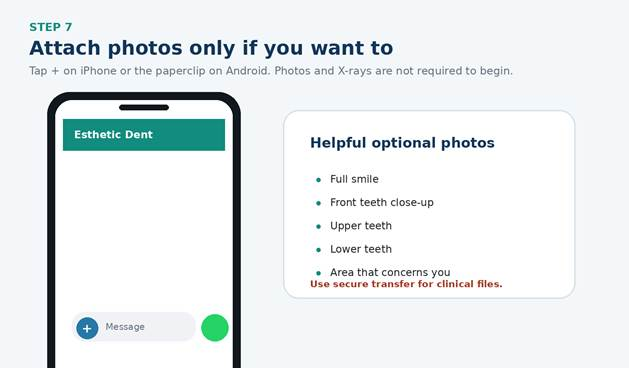
nize the Official Esthetic Dent Contact
Use the WhatsApp button on the official Esthetic Dent website or the number confirmed in clinic materials.Be cautious if an unknown account:· Requests payment to a personal account without documentation· Asks for passwords or complete banking credentials· Pressures you to pay immediately· Refuses to provide a written quote· Uses a number not published or confirmed by Esthetic Dent· Sends an unfamiliar link without explanationIf you are uncertain, contact the clinic through another official channel to verify the message.
Ready to Send Your First Message?
You do not need to prepare a perfect explanation. Tell us your name, where you live, what is concerning you, and that you would like to speak with a Dental Advisor.Esthetic Dent can guide you from that first message through preliminary review, written treatment planning, travel coordination, treatment, recovery, and follow-up at home.
Copy and paste this message
Hello, my name is [name], and I live in [city/country]. I am interested in [treatment or concern]. I would like to request a free consultation and speak with a Dental Advisor. I [have / do not have] recent X-rays or a treatment plan. The best time to contact me is [time and time zone]. Thank you.
What If You Prefer Not to Download WhatsApp?
WhatsApp is optional. Patients can also contact Esthetic Dent by:· Completing the free consultation form on the website· Calling the international telephone number· Sending an emailChoose whichever method feels easiest. Not having WhatsApp will not prevent you from requesting information or beginning your consultation.
Patients may use the website form, international phone number, or email instead.
Frequently Asked Questions About Contacting Esthetic Dent on WhatsApp
Do I need X-rays before sending a WhatsApp message?
No. You can begin speaking with a Dental Advisor without X-rays, photographs, or a treatment plan. Existing records are helpful when available but are not required to start.
Can I send photos of my teeth?
Yes, if requested or if you already have clear photographs. They may support preliminary review but cannot replace an examination or diagnostic imaging.
Is the WhatsApp consultation free?
Yes. The initial conversation and preliminary guidance are free. The complete in-clinic diagnostic consultation costs $250 and is included in international treatment packages.
Can the dentist diagnose me through WhatsApp?
No definitive diagnosis should be based only on WhatsApp messages or photographs. The team may discuss possibilities and prepare a preliminary estimate, but the final plan requires appropriate clinical and diagnostic evaluation.
Can I send my CT scan through WhatsApp?
Large and sensitive clinical files should be transferred through the secure process provided by the Dental Advisor. Esthetic Dent uses HIPAA-compliant file-transfer processes for patient records.
Can I ask for prices through WhatsApp?
Yes. The Dental Advisor can explain current starting prices, package options, payment methods, and financing. The final written quote is confirmed after case review and diagnosis.
Can I contact Esthetic Dent if I do not know my travel dates?
Yes. You are encouraged to contact the clinic as soon as you become interested. The Dental Advisor helps with treatment and timing before flights are booked.
Can I write in Spanish?
Yes. Esthetic Dent communicates with patients in English and Spanish.
How quickly will someone answer?
Response time depends on business hours and message volume.
What if I prefer a phone call?
Tell the Dental Advisor and include your time zone and preferred availability. A telephone or video conversation can be coordinated.
Keep reading
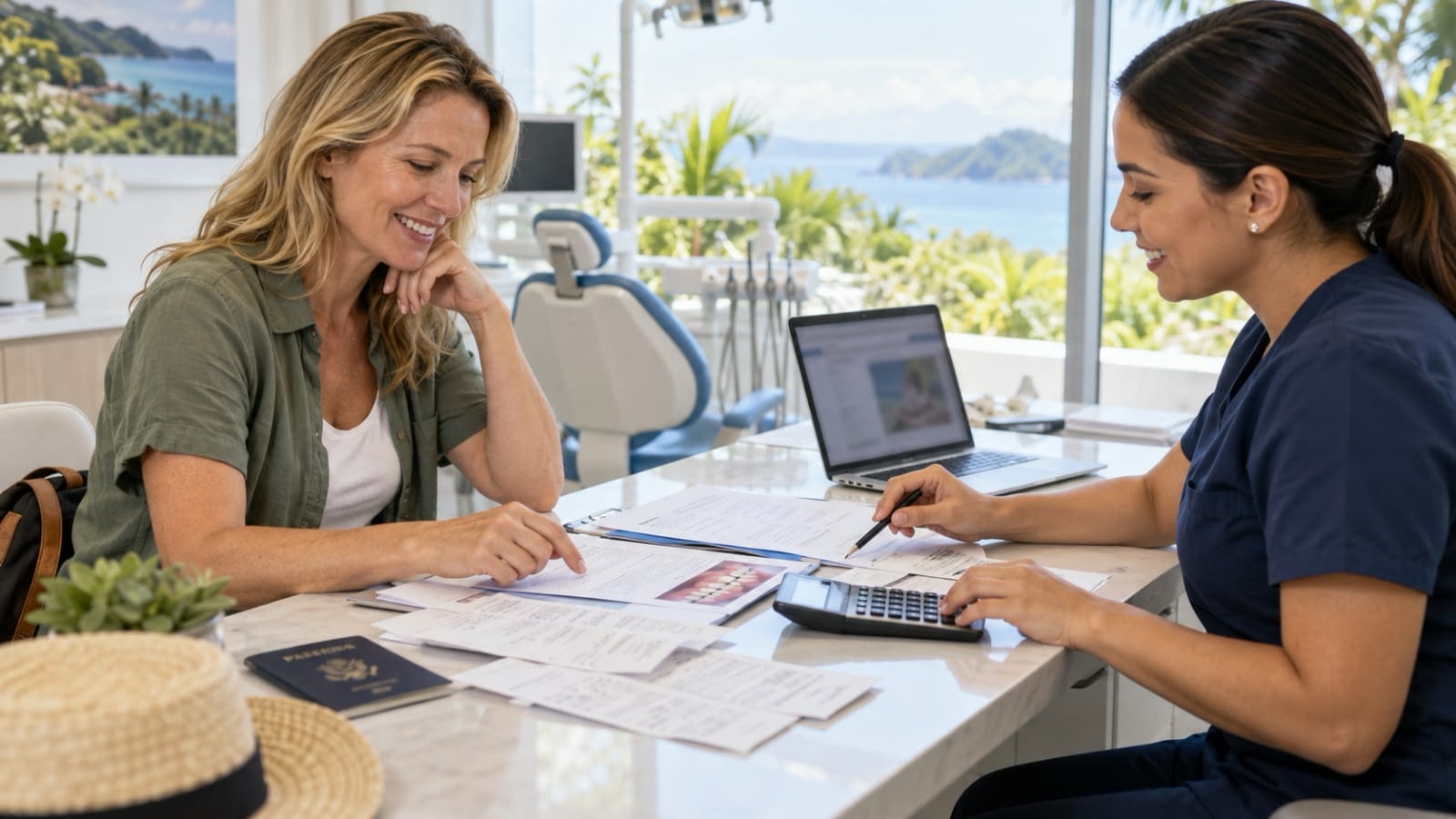
Can You Deduct Dental Care in Costa Rica on Your U.S. Taxes?
Major dental treatment—such as dental implants, crowns, bridges, dentures, extractions, or full-mouth rehabilitation—can represent a significant expense. U.S. taxpayers often ask whether treatment received in Costa Rica can be included among their medical and dental expenses.Potentially, yes. U.S. federal tax rules do not automatically disqualify otherwise eligible dental care merely because it wa

Best Tours to Enjoy During a Dental Vacation in Costa Rica
Traveling to Costa Rica for dental care can offer more than a change of scenery. With thoughtful planning, patients may enjoy the country’s coffee culture, wildlife, historic neighborhoods, beaches, and natural landscapes without interfering with treatment or recovery.The right activity depends on the procedure, treatment schedule, medications, and how the patient feels. A quiet museum visit befor
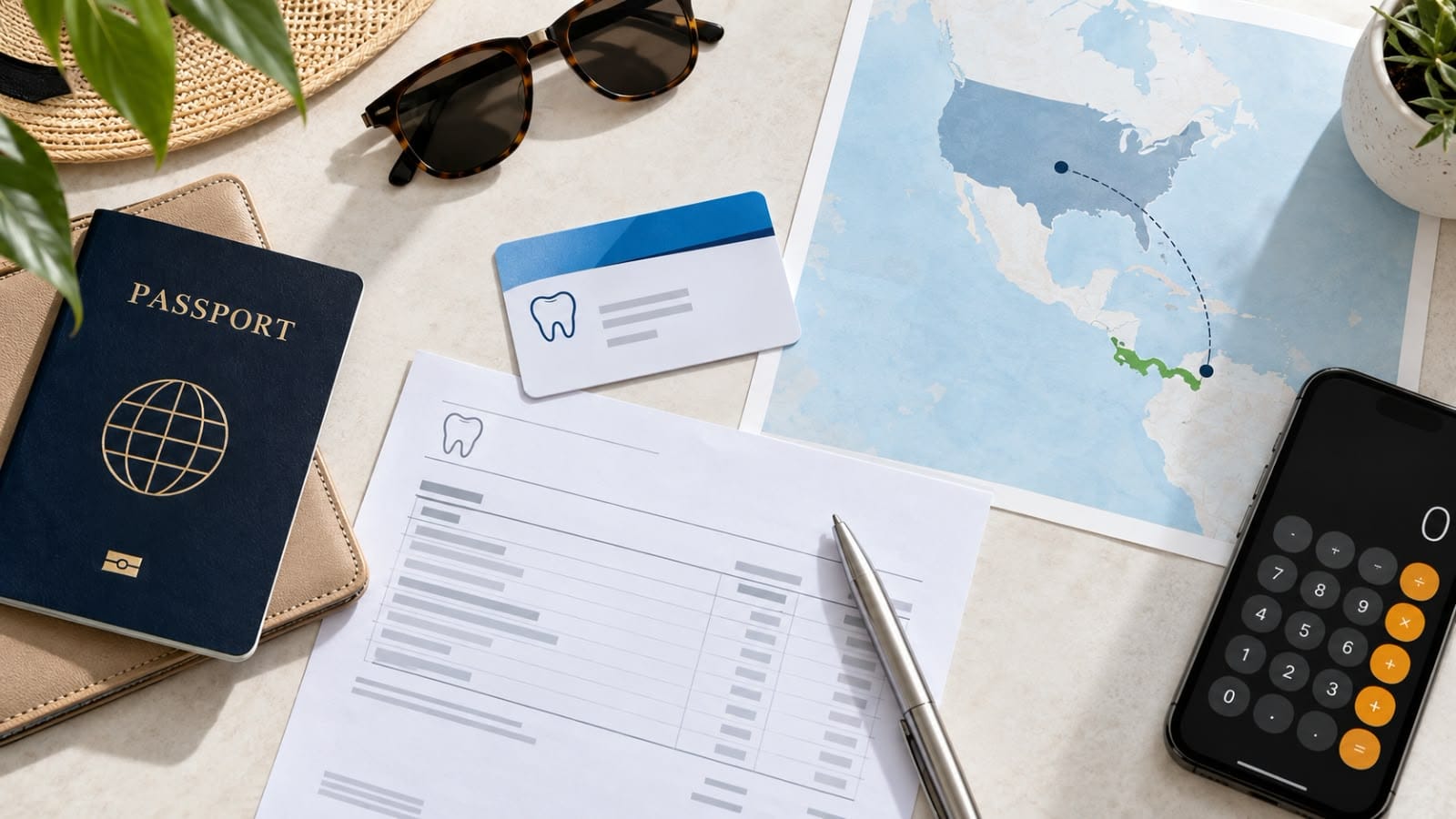
Can I Use U.S. Dental Insurance for Dental Treatment in Costa Rica?
Some U.S. dental insurance plans may reimburse eligible dental care received outside the United States. However, coverage varies significantly by policy, procedure, and insurer. Before traveling, the most important step is to contact your insurance company and ask for written confirmation of your benefits.Esthetic Dent is not affiliated or contracted with any U.S. insurance company and is not an i